Motion Guideline
1. Logo Animation
2. Endcard
3. Illustration
4. Annotation
5. Text Animation Style
6. Frame Rate
7. Social
8. Photography x Animation
9. LottieFiles
10. File Naming Structure
Logo Animation
Logo Reveal Stamp
This is the Stamp logo reveal. It is seen inside the graphic end cards and anytime a stamp logo is used in animation.
Stamp Logo Assets

Logo Reveal Wordmark
This is the wordmark logo reveal. It is only used over live action footage.
Embedded in the animation is a transparent (alpha) background.
Wordmark Logo Assets

Endcard
Wordmark endcard
Examples


End cards close out motion pieces and reinforce brand recognition.
We currently use the wordmark logo end card as the primary treatment for clearer legibility across formats.


Illustrations
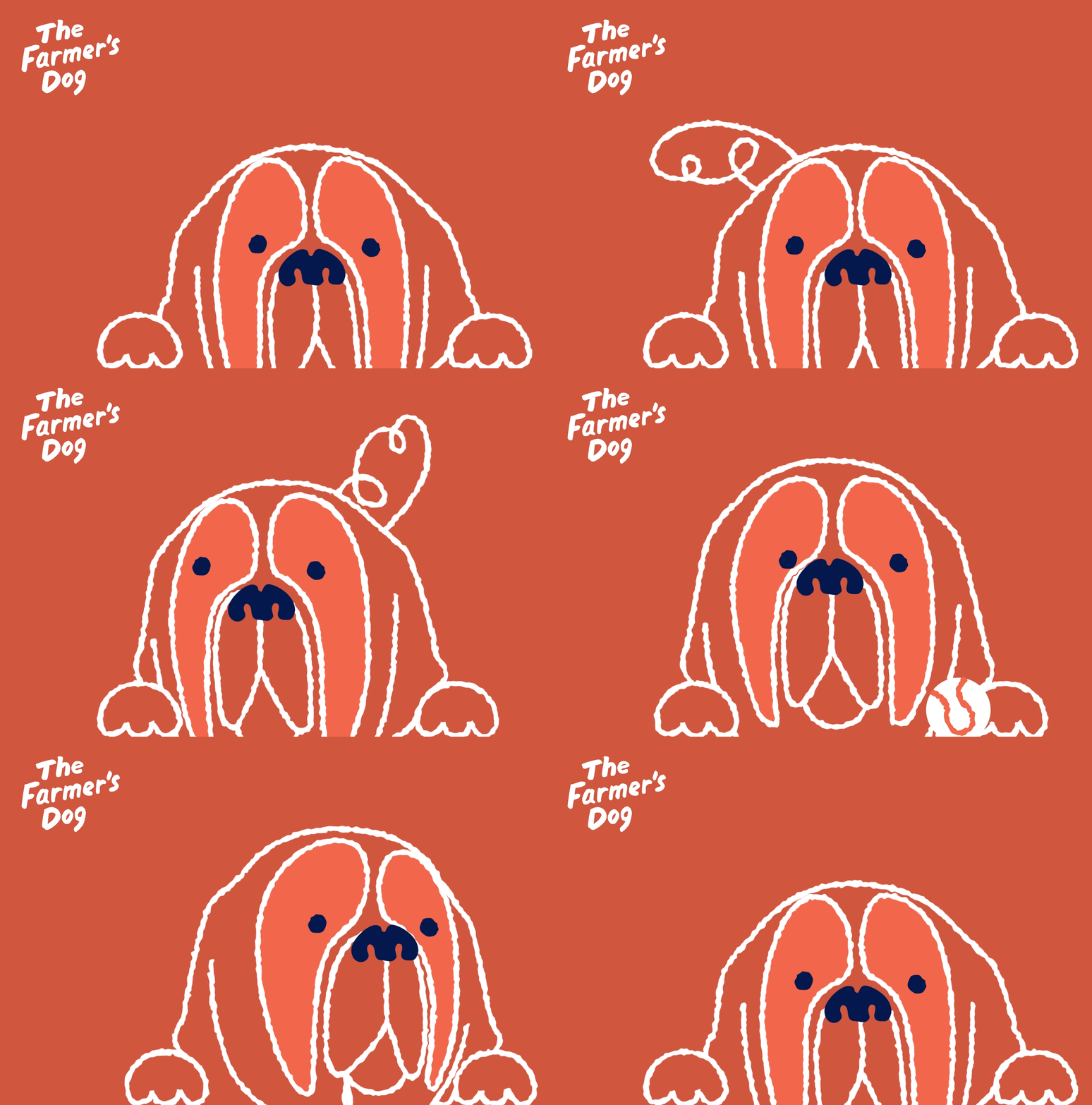
Illustration brings a warm, approachable feeling to our visuals. It should support the message, adding emotion and personality without overwhelming the content. Keep it simple, human, and intentional.
Avoid humanizing dogs — they should not act or behave like humans (e.g., holding tools or objects unnaturally).
Focus on the key moment — avoid illustrating full scenes; highlight only what’s necessary to tell the story.
Keep the focus clear — simplify the idea so the main message is immediately understood and never diluted.
Primary Colorway
This is our primary illustration style — dark linework paired with a single accent color on a light background.
Keep the balance primarily in linework, with an approximate 80/20 stroke-to-fill ratio.

Colored Background Colorway
Illustrations on dark backgrounds should maintain strong contrast for clarity and legibility. Use lighter colors for both strokes and fills to ensure visibility.
Maintain a 20/80 stroke-to-fill ratio, reversing the balance from the primary colorway so fills carry more visual weight.


Hand-drawn effect walkthrough
Illustrator
These hand-drawn animations below are made in Callipeg which is a frame by frame animation tool. It should only be used for short, loopable character animations because it is a lengthy process. For longer animations, animate the vector illustrations

After Effect
These hand-drawn animations below are made in Callipeg which is a frame by frame animation tool. It should only be used for short, loopable character animations because it is a lengthy process. For longer animations, animate the vector illustrations

Gif animation library
Inside the Motion Library, you'll find an Illustrations folder containing a wide range of Callipeg animated dogs. There are gifs, movs and an After Effects project that will continue to expand whenever a new dog has been brought to life. Please create a new dog name to keep the library organized and follow the naming conventions established in the current animations.

Annotation
Animated annotations emphasize specific parts of text or visuals, guiding the viewer’s attention and highlighting key points. They suggest where to focus while adding an organic, approachable feel to otherwise plain content.


Text Animation Style
Keep motion simple, clear, and intentional. Every movement should have purpose, nothing extra. Use motion to support the message, not compete with it.
1. Text Animation: Haas Typeface — Do's


simple cut
Text appears instantly without transitions.
subtle raise
Gentle upward motion with no ease, adding life
without distraction.
2. Text Animation: Lazy Dog Typeface — Do's


Type-ON
Text animates in, revealing one letter at a time.
Write-ON
Text animates in with a write-on effect, mimicking
a handwritten stroke.
3. Text Animation: Haas and Lazy Dog — Don'ts
These guidelines help keep motion clear and consistent. They can be adjusted
when there’s a strong purpose or concept, as long as the motion feels intentional
and fits the story.


Fade
Fades are only used in specific moments in endcards and supers.
bounce
Skip bouncy or elastic moves.
Stretch
Avoid distorting or scaling
text unnaturally.


Obvious After
effects Presets
Avoid default presets —
they stand out and break
the crafted feel.
Slide/EASE
Skip sliding or overshooting motion — keep it direct and steady.
3D
Avoid depth or rotation — keep text flat and clean.
Frame rate
10 FPS vs 30 FPS
We’re going with 10fps because it gives the animation a more deliberate, stylized look, keeps file sizes lighter for social/web use, and speeds up production without losing clarity. Smoothness isn’t the main goal here — impact and readability are.

10 FPS (Choppy)

30 FPS (Smooth)
Social
Kale 900, Carrot 500, and Oat 200 are our primary colors for organic social. Consistent use helps make our content instantly recognizable.
Below are examples for each series.

biting commentary
A lighthearted series highlighting the funny, quirky side of dogs, pairing playful static illustrations with witty takes on dog behavior.
Use light outlines and fills (Oat) on a Carrot 500 background, with Kale and Sage used as darker accent colors for contrast.


very scientific ranking
A series of rankings based on our own highly subjective (and not-so-scientific) opinions.
Use lighter outline and fill colors (Oat and Sage) on a Kale 900 background, with Carrot used as an accent color to draw attention.


Digest
Digest is an informative Instagram series sharing insights and tips
on everyday dog topics.
Use Kale 900 outlines on an Oat 200 background, with Carrot used as
an accent color to draw attention.


DOg service announcement
Dog Service Announcement is a playful Instagram series delivering bite-sized advice for dog owners through short, catchy messages, brought to life with animation.
Use light outlines and fills (Oat and Sage) on a Kale 900 background, with Carrot as an accent color to avoid a flat look.


Photography x Animation
Blending photography with animation adds subtle motion that enhances mood
and presence. It turns still moments into living scenes — gentle movement that
feels natural, emotional, and connected to the story.


LottieFiles
LottieFiles is a lightweight animation format and platform used to deliver vector-based motion across digital products and marketing surfaces.
Lottie animations are exported as JSON files, allowing motion to remain crisp,
scalable, and performant across different screen sizes and devices. Unlike video
formats (MP4, GIF), Lottie files are resolution-independent and typically much
smaller in file size.

After Effects features NOT supported in LottieFiles
1. Raster & Pixel-Based Effects
• Blur
• Glow
• Drop Shadow
• Bevel & Emboss
• Noise / Grain
• Roughen Edges
• Turbulent Displace
• CC effects (most of them)
2. Expressions
• Wiggle
• Loop expressions
• Time-based math
• Randomized motion
3. Masks
• Mask Feather
• Mask Expansion
• Inverted masks
• Multiple animated masks
• Animated mask blend modes
• Luma masks
4. Blend Modes
• Overlay
• Soft Light
• Hard Light
• Difference
• Color Dodge / Burn
5. Track Mattes
• Luma mattes
• Complex alpha matte chains
• Nested matte dependencies
6. Text Animators
• Per-character text animators
• Text effects
7. Layer Styles
• Drop Shadow
• Inner / Outer Glow
• Stroke (layer style)
• Gradient Overlay
• Satin
8. Time Effects
• Time Remapping
• Echo
• Posterize Time
• Motion Blur
9. 3D & Camera Features
• 3D layers
• Cameras
• Lights
• Z-space movement
• Depth of field
Safe Features in LottieFiles
• Shape layers
• Path animations
• Scale / Position / Rotation / Fade
• Shape strokes & fills
• Trim Paths
• Simple easing
• Simple masks
LottieFiles Export Settings
Always export the optimized Lottie version and the JSON
file when delivering Lottie animations. Optimized exports ensure better performance, smaller file size, and more reliable playback across platforms.

File Naming Structure
Always take the time to version work correctly. Do not version using the date, as often
these files are updated rapidly and dates are not kept up to date. This makes it difficult
select the correct file.
1 2 3 4 5 6 7 8
TFD_ProjectType_ProjectName_Asset_Size_FileKind_Mechanical_Version
1. Company name.
2. Subfolder on the server.
3. Name of project on brief.
4. Type of deliverable. IE: Postcard, booth, backdrop, email, social post
5. IE: 4x5, 16x9
6. IE: Video,Illustration, Mockup, Icons.
7. Only needed when creating final files.
8. Use 01-10. Do not include any other notation.
