Motion Guideline
1. Logo animation
2. Endcard
3. Illustration
4. Annotation
5. Photography x Animation
6. Frame Rate
7. Social
8. Dont's
9. Workflow
Logo Animation
Logo Reveal Stamp
This is the Stamp logo reveal. It is seen inside the graphic end cards and anytime a stamp logo is used in animation.

Logo Reveal Wordmark
This is the wordmark logo reveal. It is only used over live action footage.
Embedded in the animation is a transparent (alpha) background.

Endcard
Stamp logo endcard
samples
The end card background colors can switch between Oyster 0 and Kale 3.

Wordmark endcard
samples
The tagline font size is 50px and is white.
The legal font size is 18px and is the color white. The Haas Grotesque font weight is Roman.

Illustrations
Illustration brings a warm, approachable feeling to our visuals.
It should support the message, adding emotion and personality
without overwhelming the content.
Keep it simple, human, and intentional.


Filled
Solid shapes with no outlines.
Used occasionally when outlines are unclear against the background.
Filled + Outlined
This is our main illustration style — mostly monotone with one standout color for emphasis.
Outlined
Gives a clean, chic tone — great for informative or supporting moments.
Hand-drawn effect walkthrough
Illustrator
These hand-drawn animations below are made in Callipeg which is a frame by frame animation tool. It should only be used for short, loopable character animations because it is a lengthy process. For longer animations, animate the vector illustrations

After Effect
These hand-drawn animations below are made in Callipeg which is a frame by frame animation tool. It should only be used for short, loopable character animations because it is a lengthy process. For longer animations, animate the vector illustrations

Callipeg library
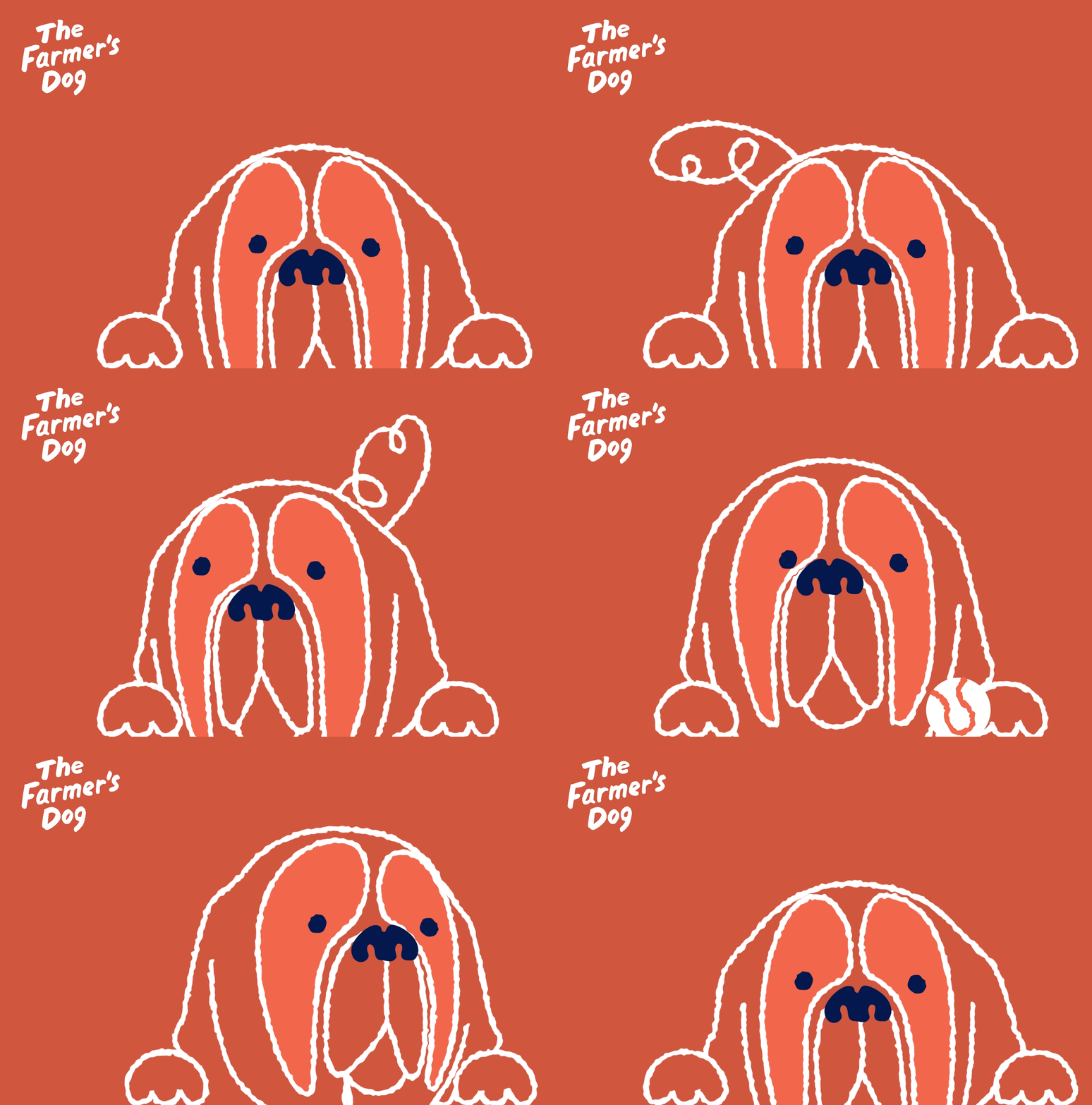
Inside the Motion Library, you'll find an Illustrations folder containing a wide range of Callipeg animated dogs. There are gifs, movs and an After Effects project that will continue to expand whenever a new dog has been brought to life. Please create a new dog name to keep the library organized and follow the naming conventions established in the current animations.
Animated dog Library

Annotation
Animated annotations emphasize specific parts of text or visuals, guiding the viewer’s attention and highlighting key points. They suggest where to focus while adding an organic, approachable feel to otherwise plain content.


Text Animation Style
Keep motion simple, clear, and intentional. Every movement should have purpose, nothing extra. Use motion to support the message, not compete with it.
1. Text Animation: Haas Typeface Do's


simple cut
Text appears instantly without transitions.
subtle raise
Gentle upward motion with no ease, adding life
without distraction.
2. Text Animation: Lazy Dog Typeface Do's


Type-ON
Text appears instantly without transitions.
Write-ON
Gentle upward motion with no ease, adding life
without distraction.
Text Animation: Haas and LazyDog
Dont's
These guidelines help keep motion clear and consistent. They can be adjusted
when there’s a strong purpose or concept, as long as the motion feels intentional
and fits the story.


Fade
Fades are only used in specific moments in endcards and supers.
bounce
Skip bouncy or elastic moves.
Stretch
Avoid distorting or scaling
text unnaturally.


Obvious After
effects Presets
Avoid default presets —
they stand out and break
the crafted feel.
Slide/EASE
Skip sliding or overshooting motion — keep it direct and steady.
3D
Avoid depth or rotation — keep text flat and clean.
Frame rate
10 FPS vs 30 FPS
We’re going with 10fps because it gives the animation a more deliberate, stylized look, keeps file sizes lighter for social/web use, and speeds up production without losing clarity. Smoothness isn’t the main goal here — impact and readability are.

10 FPS (Choppy)

30 FPS (Smooth)
Social
Below are some examples of animated social videos. Each video built in a 10 FPS
very scientific ranking
These hand-drawn animations below are made in Callipeg which is a frame by frame animation tool. It should only be used for short, loopable character animations because it is a lengthy process. For longer animations, animate the vector illustrations in After Effects. Apply the "Posterize Time" effect over your 30fps animations and change the frame rate to 10fps to match the stop-motion effect that can be seen in the Callipeg animations. Utilize the Puppet tool in After Effects for character rigging.


Digest
These hand-drawn animations below are made in Callipeg which is a frame by frame animation tool. It should only be used for short, loopable character animations because it is a lengthy process. For longer animations, animate the vector illustrations in After Effects. Apply the "Posterize Time" effect over your 30fps animations and change the frame rate to 10fps to match the stop-motion effect that can be seen in the Callipeg animations. Utilize the Puppet tool in After Effects for character rigging.

DOg service announcement
These hand-drawn animations below are made in Callipeg which is a frame by frame animation tool. It should only be used for short, loopable character animations because it is a lengthy process. For longer animations, animate the vector illustrations in After Effects. Apply the "Posterize Time" effect over your 30fps animations and change the frame rate to 10fps to match the stop-motion effect that can be seen in the Callipeg animations. Utilize the Puppet tool in After Effects for character rigging.

Photography x Animation
Blending photography with animation adds subtle motion that enhances mood
and presence. It turns still moments into living scenes — gentle movement that
feels natural, emotional, and connected to the story.


File Name Convention
Below are some examples of animated social videos. Each video built in a 30 FPS (frames per second) composition but are animating in a 10 FPS effect.
The Posterize Time effect can be applied over the entire composition using an adjustment layer. Please check out the toolkit and "unhide" any of the compositions to see the effect.
NOTE: The only time 10 FPS should be used as a native frame rate is for Callipeg illustrated animations. Celtra timelines should be set at 8 FPS to match this effect. Click on the link below to view the walkthrough video for this After Effects toolkit.
Lottie Files
WIP
RIVE
WIP
